CheckStyleのApache Mavenでの利用手順
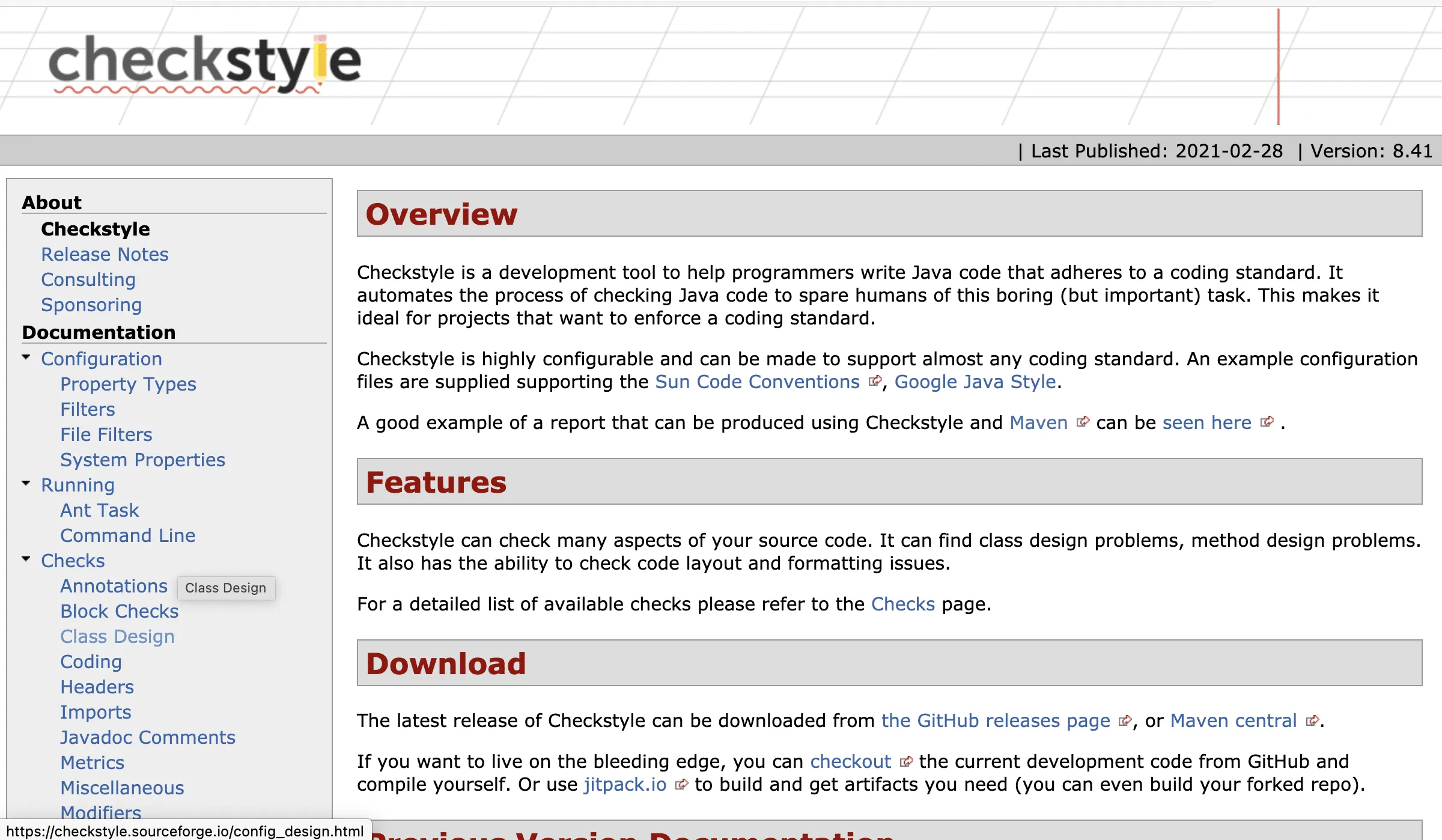
step1CheckStyleのサイトにアクセス
Jacocoとは、オープンソースとして利用できるJavaプロジェクト用のコードカバレッジライブラリです。
2021年3月現在の最新バージョンは「3.1.2」です。
必要に応じてドキュメントを参照してください。
CheckStyle:https://checkstyle.sourceforge.io/
step2CheckStyleの利用手順
Apache Maven Pluginのサイト:http://maven.apache.org/plugins/maven-checkstyle-plugin/usage.html
pom.xmlに以下の記述を行います。(ここでは最小限のものを紹介しますので、必要に応じて追記等してください。)
pom.xmlの例
:
<build>
<plugins>

<plugin>
<groupId>org.apache.maven.plugins</groupId>
<artifactId>maven-checkstyle-plugin</artifactId>
<version>3.1.2</version>
</plugin>
</plugins>
</build>

:

<reporting>
  <plugins>
    <plugin>
      <groupId>org.apache.maven.plugins</groupId>
      <artifactId>maven-checkstyle-plugin</artifactId>
      <version>3.1.2</version>
      <reportSets>
        <reportSet>
          <reports>
            <report>checkstyle</report>
          </reports>
        </reportSet>
      </reportSets>
    </plugin>
  </plugins>
</reporting>

<dependencies>

<dependency>
  <groupId>org.apache.maven.plugins</groupId>
  <artifactId>maven-checkstyle-plugin</artifactId>
  <version>3.1.2</version>
</dependency>

</dependencies>
:
pom.xmlに設定したら以下のコマンドで実行してください。
pom.xmlの例
> mvn site
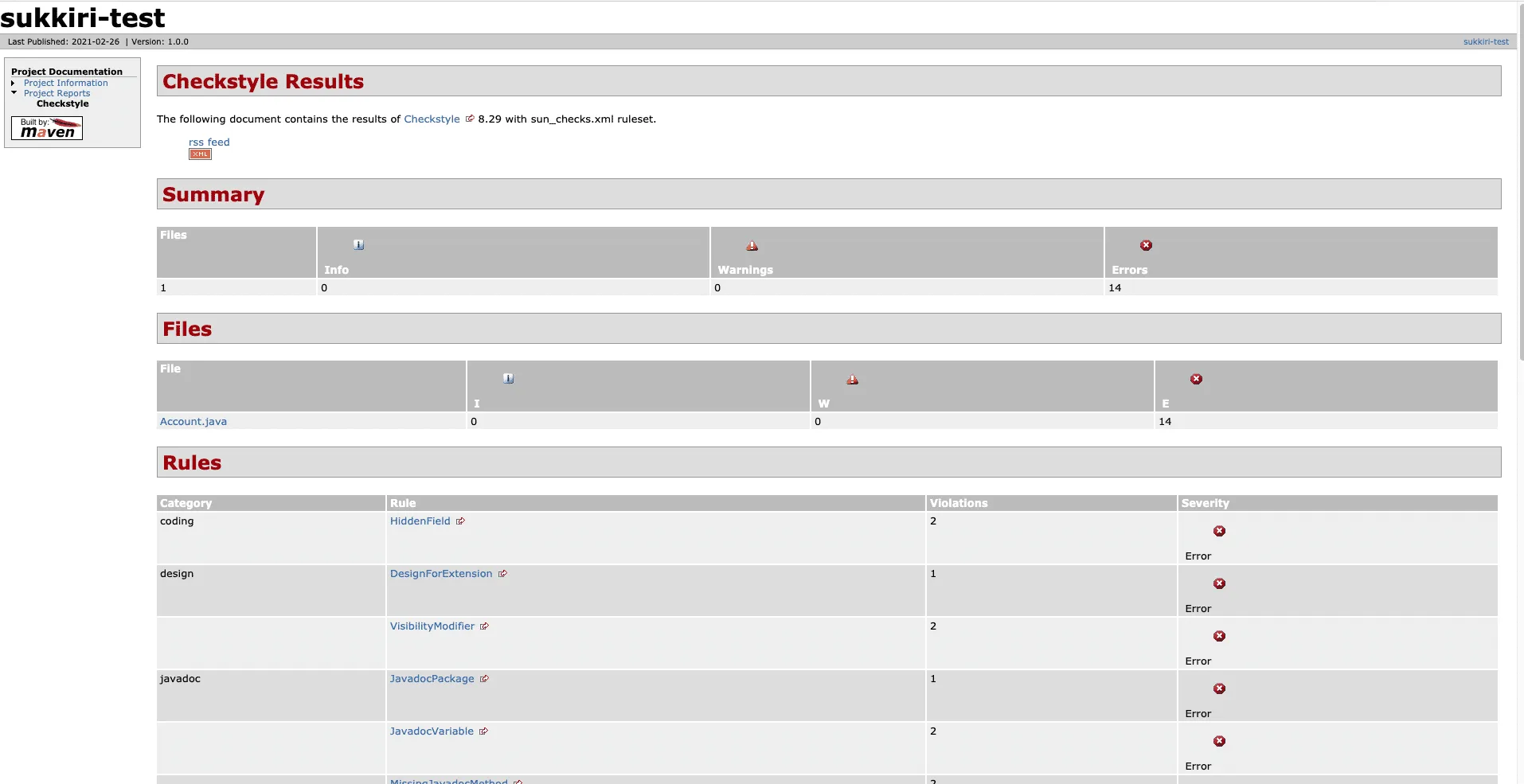
すると、target/site/checkstyle.html というHTMLファイルができるのでそちらを確認してください。
関連記事
checkstyleのインストール手順
step1checkstyleのサイトにアクセス checkstyle https://checkstyle.sourceforge.io トップページ中程にある「Download」の「the Git …